Free WCAG 2.1 compliance scan. Paste a URL, find issues in seconds.
100/100 on its own scan — verify live
The Web Content Accessibility Guidelines (WCAG) are the global standard for making websites accessible to people with disabilities. Published by the W3C, WCAG covers visual, auditory, motor, and cognitive accessibility.
Official WCAG 2.1 Documentation · W3C Intro to Web Accessibility
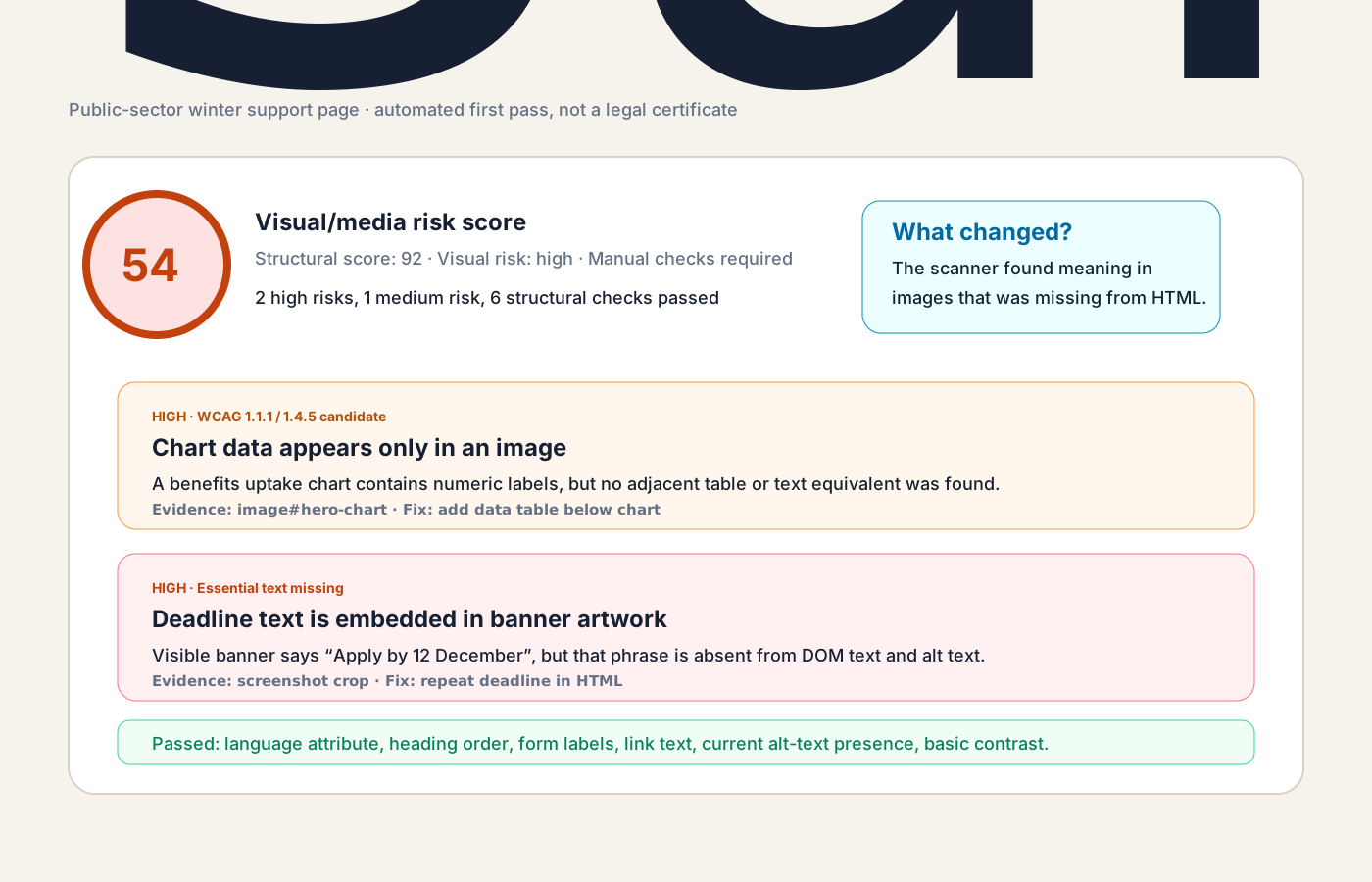
This tool runs 6 automated checks on every page scanned. Here's what each one looks for and why it matters:
Images must have descriptive alt attributes so screen readers can convey their meaning. Decorative images should use alt="" or role="presentation".
Headings must follow a logical order (h1→h2→h3). Skipping levels disorients screen reader users and breaks page structure.
Every page needs a lang attribute on the <html> tag so screen readers can pronounce content in the correct language.
Every input, select, and textarea must have an associated <label>, aria-label, or aria-labelledby. Without it, forms are unusable.
Links must have meaningful text. "Click here" and "Read more" tell screen readers nothing. Empty links are completely invisible to assistive tech.
Text must have at least 4.5:1 contrast against its background. Low-contrast text is unreadable for users with low vision or in bright sunlight.
These are automated checks only. Manual testing (keyboard navigation, screen reader testing, zoom testing) is still essential for full WCAG compliance.
Is this accessibility checker really free?
Yes. No signup, no API key, no credit card. Paste a URL, get results. We run six WCAG 2.1 automated checks per scan.
What does the checker scan for?
Six WCAG 2.1 automated checks: alt text on images (WCAG 1.1.1 Level A), heading hierarchy (2.4.6 AA), HTML language attribute (3.1.1 A), form labels (4.1.2 A), descriptive link text (2.4.4 A), and color contrast (1.4.3 AA).
Can automated checks alone make my site WCAG compliant?
No. Automated tools catch the structural and code-level issues, but full WCAG compliance also requires manual testing — keyboard navigation, screen reader testing with NVDA or VoiceOver, zoom and reflow, and content review for plain language. Treat this scan as a fast first pass, not a complete audit.
Is WCAG legally required?
Yes in many jurisdictions. The EU Accessibility Act (in force June 2025) requires WCAG 2.1 AA for most consumer-facing digital services. The UK Equality Act 2010 makes inaccessibility a form of discrimination. The US ADA has been applied to websites in court since 2017.
What is the score based on?
Score = 100 minus 6 points per error, 3 points per warning, and 1 point per info-level issue. Errors are Level A failures, warnings are Level AA, info is best practice. The score is a triage signal, not a compliance guarantee.
Does the tool store URLs I scan?
No. Scans are stateless — no database, no logs of URLs, no analytics on user input. The page you scan is fetched, parsed, scored, and discarded.